Description
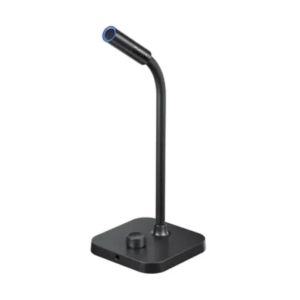
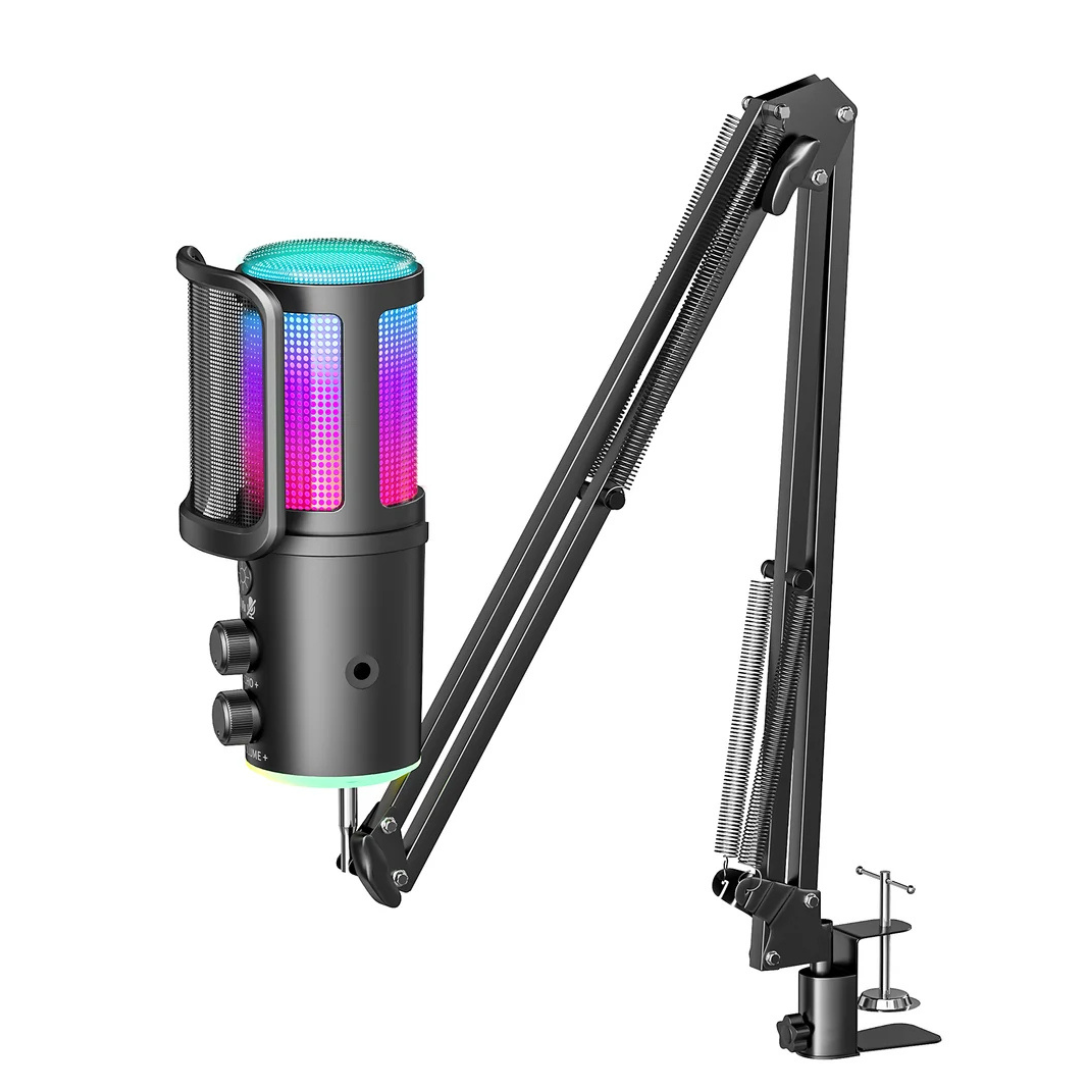
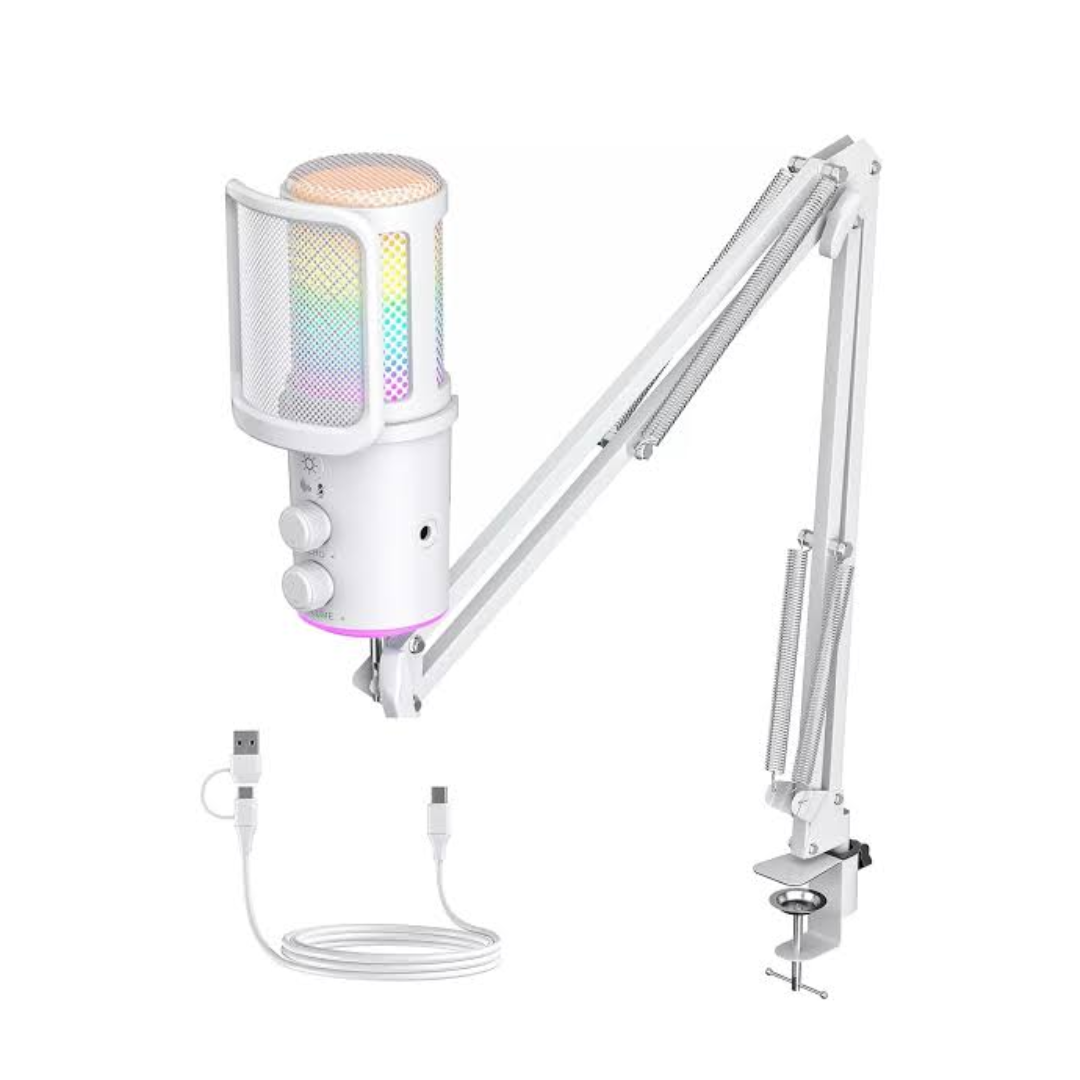
The ONIKUMA M530 RGB Condenser USB Microphone is designed for gamers, streamers, content creators, and users who want convenient voice recording with practical audio controls and customizable RGB lighting. Combining a condenser microphone design with an integrated multifunctional control knob, this microphone provides convenient access to essential audio settings while adding a stylish touch to a gaming or streaming setup.
One of the key highlights of the ONIKUMA M530 is its customizable RGB lighting. Users can switch between lighting effects with a short press of the integrated control, allowing them to personalize the appearance of their microphone according to their gaming setup. The multifunctional control system also provides access to microphone mute, noise reduction, microphone volume adjustment, and echo adjustment, making common adjustments easier during gaming, streaming, recording, and online communication.
The microphone features a 3.5mm headphone monitoring interface for real-time audio playback. This monitoring function helps users listen to their audio while recording or communicating. Its USB-C output interface supports a convenient plug-and-play setup, while the cantilever bracket interface allows the microphone to be incorporated into a compatible boom-arm arrangement.
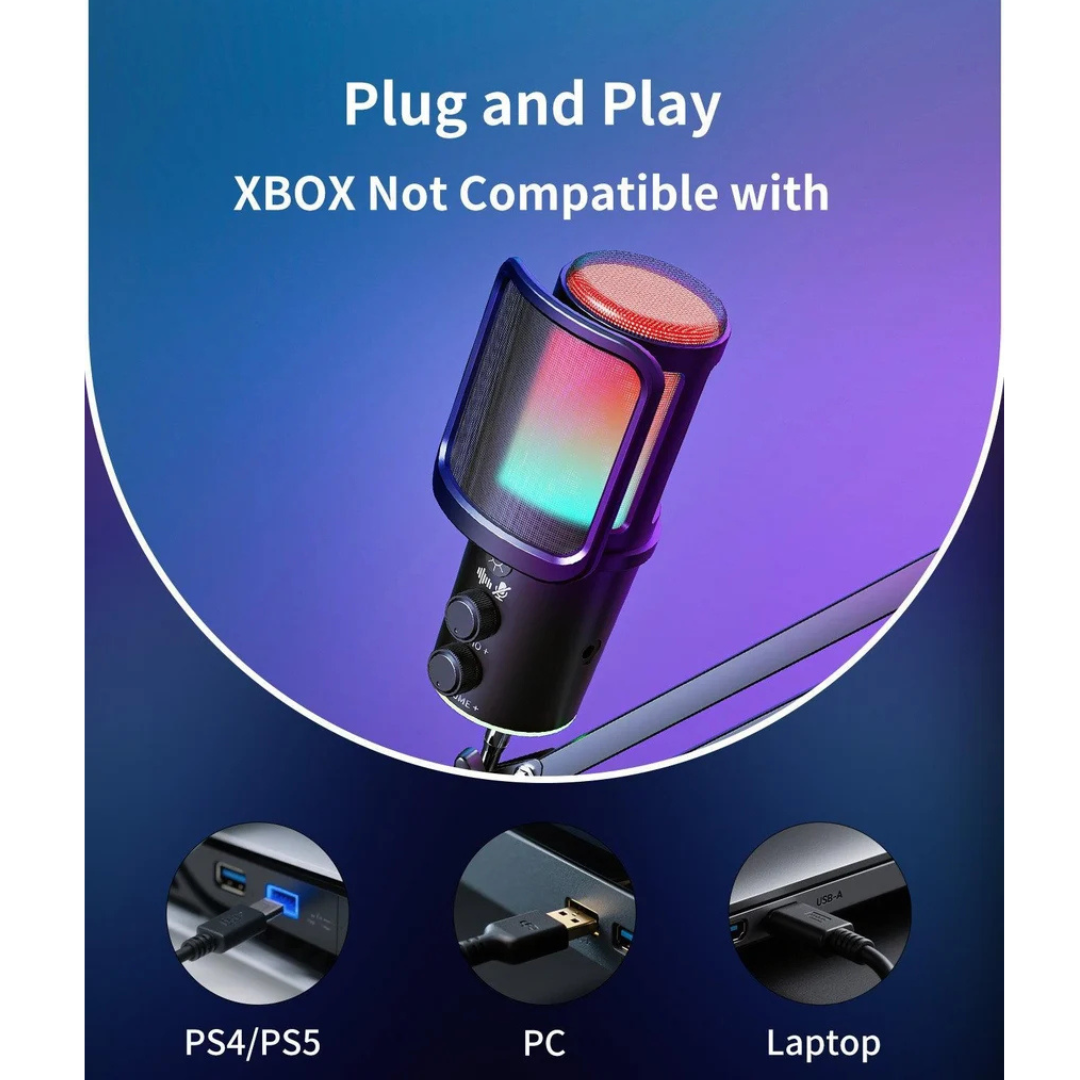
Designed for versatile use, the ONIKUMA M530 supports Windows, macOS, PlayStation 5, and PlayStation 4 according to the manufacturer’s product page. It is suitable for gaming communication, livestreaming, voice recording, online meetings, and other voice-based applications.
With its RGB lighting, integrated controls, noise reduction function, echo adjustment, and real-time headphone monitoring, the ONIKUMA M530 offers a practical combination of audio control and gaming-focused design for users looking to improve their desktop microphone setup.
Specifications
| Specification | Details |
|---|---|
| Brand | ONIKUMA |
| Model | M530 |
| Product Type | RGB Condenser USB Microphone |
| Microphone Type | Condenser |
| Lighting | Customizable RGB Lighting |
| Control System | Multifunctional Integrated Knob |
| Microphone Controls | Mute, Noise Reduction, Microphone Volume Adjustment |
| Echo Control | Adjustable Echo |
| Noise Reduction | Supported |
| Audio Monitoring | Real-Time Headphone Monitoring |
| Headphone Interface | 3.5mm |
| Output Interface | USB-C |
| Connectivity | USB |
| Installation Interface | Cantilever Bracket Interface |
| Plug and Play | Supported |
| Compatible Operating Systems | Windows, macOS |
| Console Compatibility | PlayStation 5, PlayStation 4 |
Condenser Microphone for Gaming and Streaming
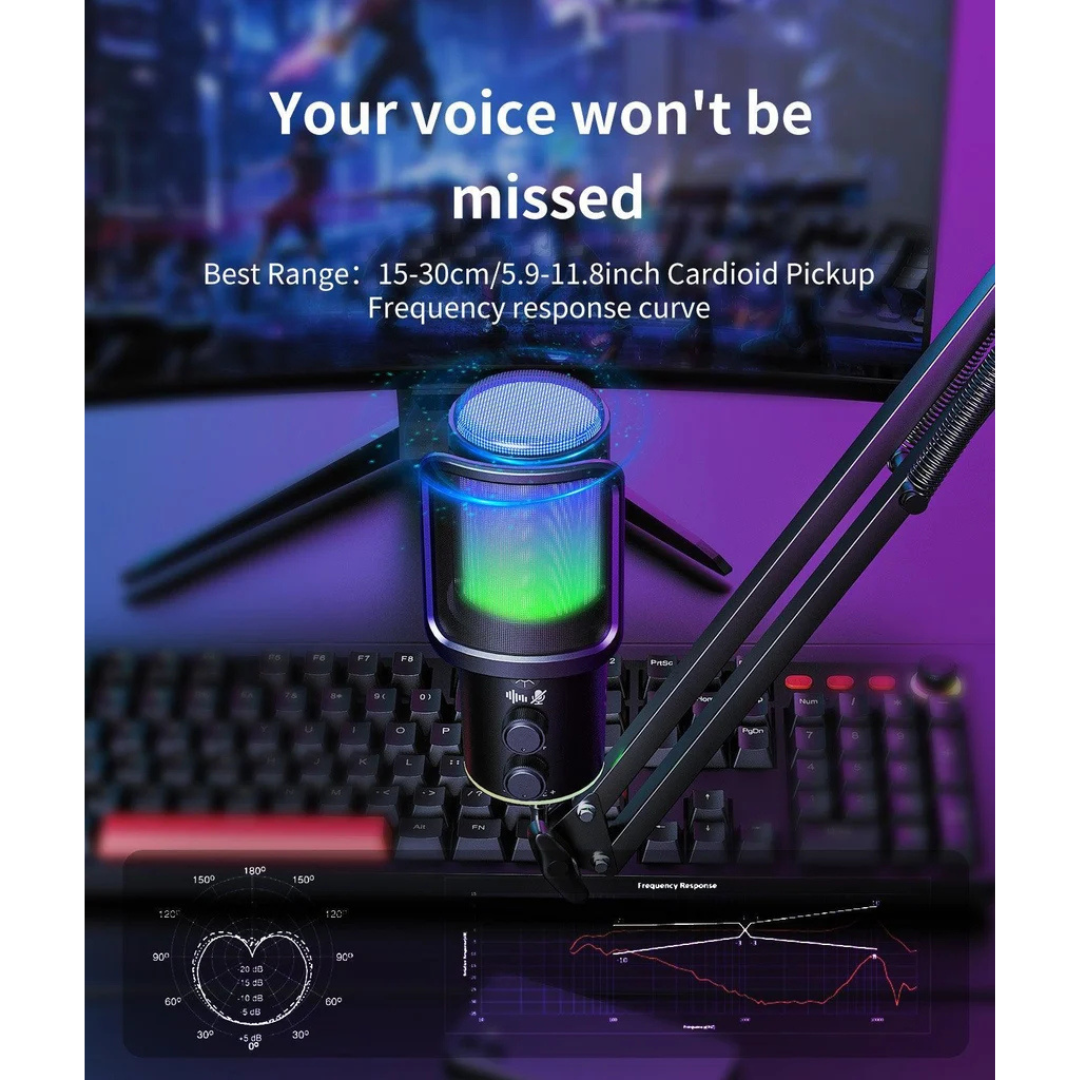
The ONIKUMA M530 is a USB condenser microphone designed for voice-focused applications such as gaming communication, livestreaming, content creation, recording, and online meetings. It provides a dedicated microphone setup for users who want to communicate through a desktop microphone rather than relying solely on a headset microphone. Its combination of audio controls and monitoring functionality makes it suitable for a variety of everyday communication and content creation needs.
Customizable RGB Lighting
Enhance your desktop setup with the ONIKUMA M530’s customizable RGB lighting effects. The integrated control allows users to switch between lighting effects with a short press, making it easy to change the microphone’s appearance without navigating complicated settings. The RGB illumination adds a gaming-focused visual element to streaming desks, gaming rooms, and desktop recording setups.
Multifunctional Control Knob
The integrated multifunctional control system provides convenient access to several important microphone functions. Users can adjust microphone volume and fine-tune echo levels according to their preferences. The control also supports microphone muting and RGB effect switching, helping users manage common settings directly from the microphone instead of repeatedly opening software controls.
Integrated Noise Reduction and Mute Function
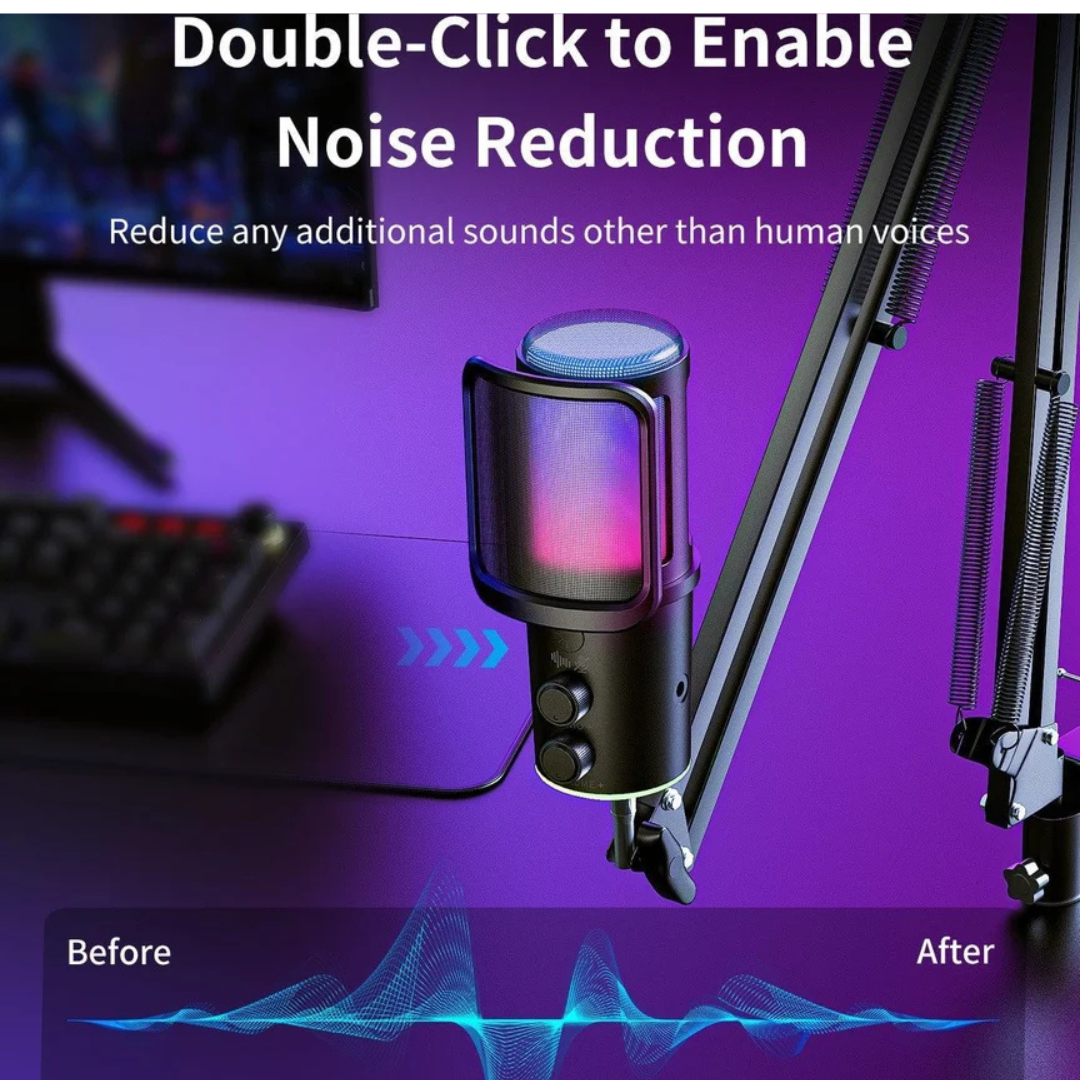
The ONIKUMA M530 includes a noise reduction function designed to help manage unwanted background noise during voice communication and recording. According to the manufacturer’s control instructions, a double-click enables or disables noise reduction, while a long press activates the mute function. These accessible controls are useful for gamers, streamers, and online meeting participants who need to manage their microphone quickly during use.
Real-Time Headphone Monitoring
Equipped with a 3.5mm headphone monitoring interface, the ONIKUMA M530 allows users to monitor audio in real time through a connected headphone. This feature is useful when checking microphone audio during recording, streaming, or voice communication. Monitoring helps users listen to their audio while working and make adjustments to microphone volume or echo settings as needed.
USB-C Connectivity and Wide Compatibility
The microphone features a USB-C output interface for a convenient plug-and-play connection. Its cantilever bracket interface supports installation with a compatible microphone boom arm, providing flexibility for desktop positioning. The official product page lists compatibility with Windows, macOS, PlayStation 5, and PlayStation 4. Users should verify device-specific connection requirements before purchasing for a particular console or computer setup.