Description
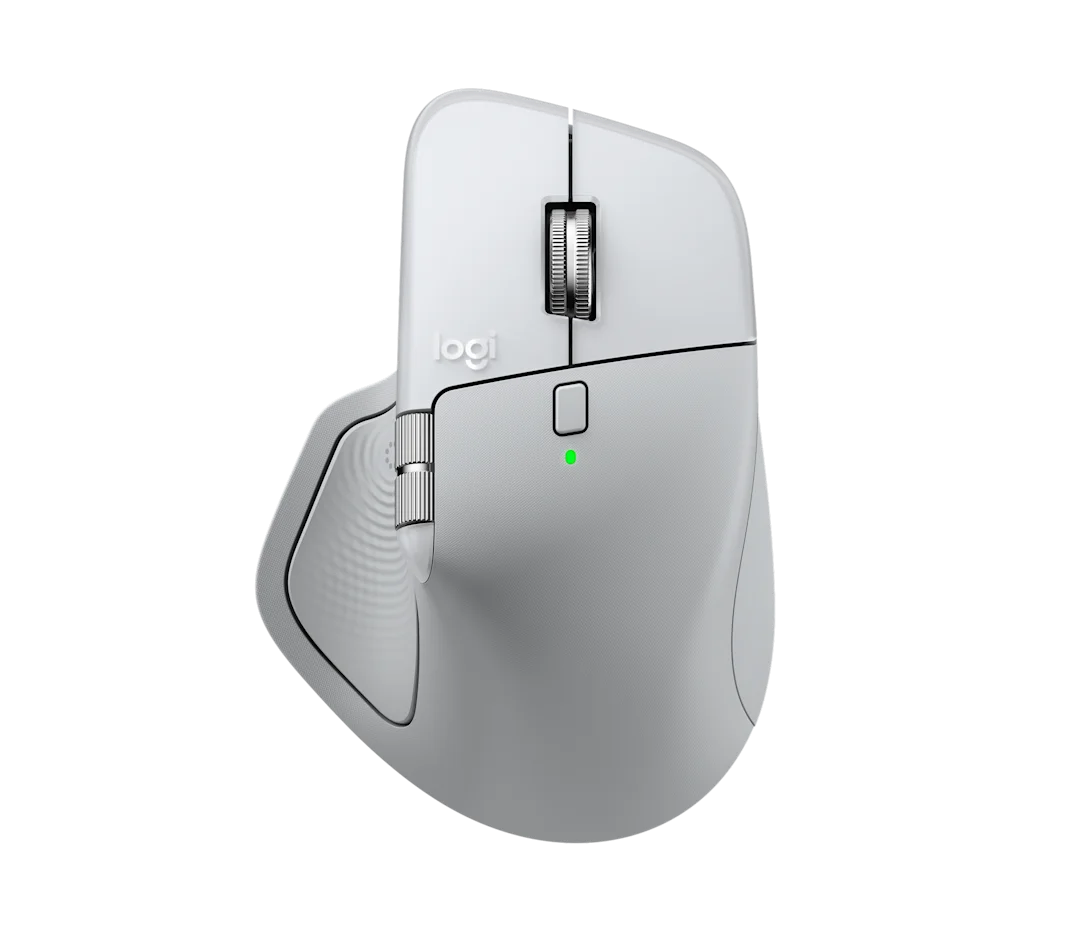
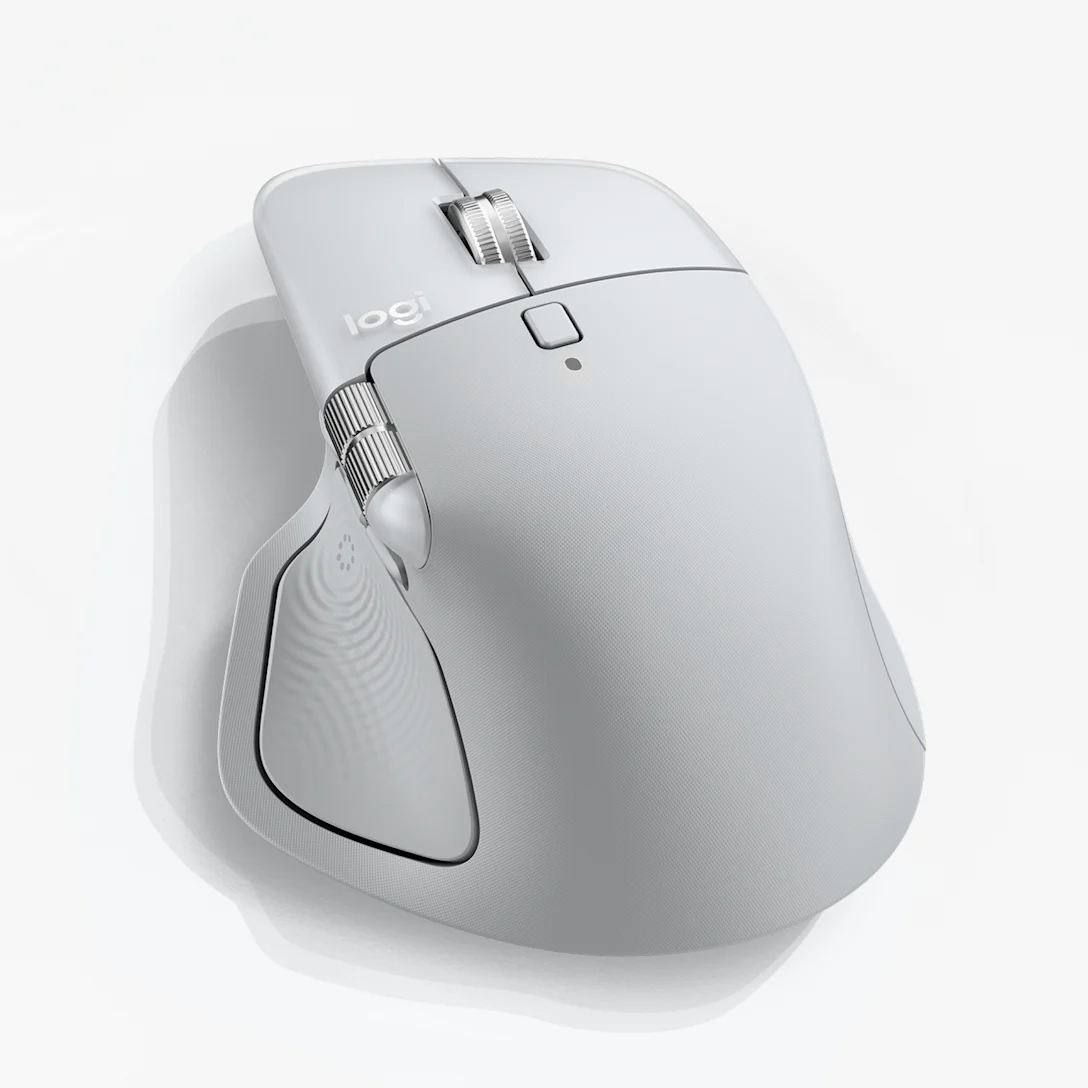
Logitech MX Master 4 for Mac Mouse – Wireless Performance Mouse with Haptic Feedback
Product Description
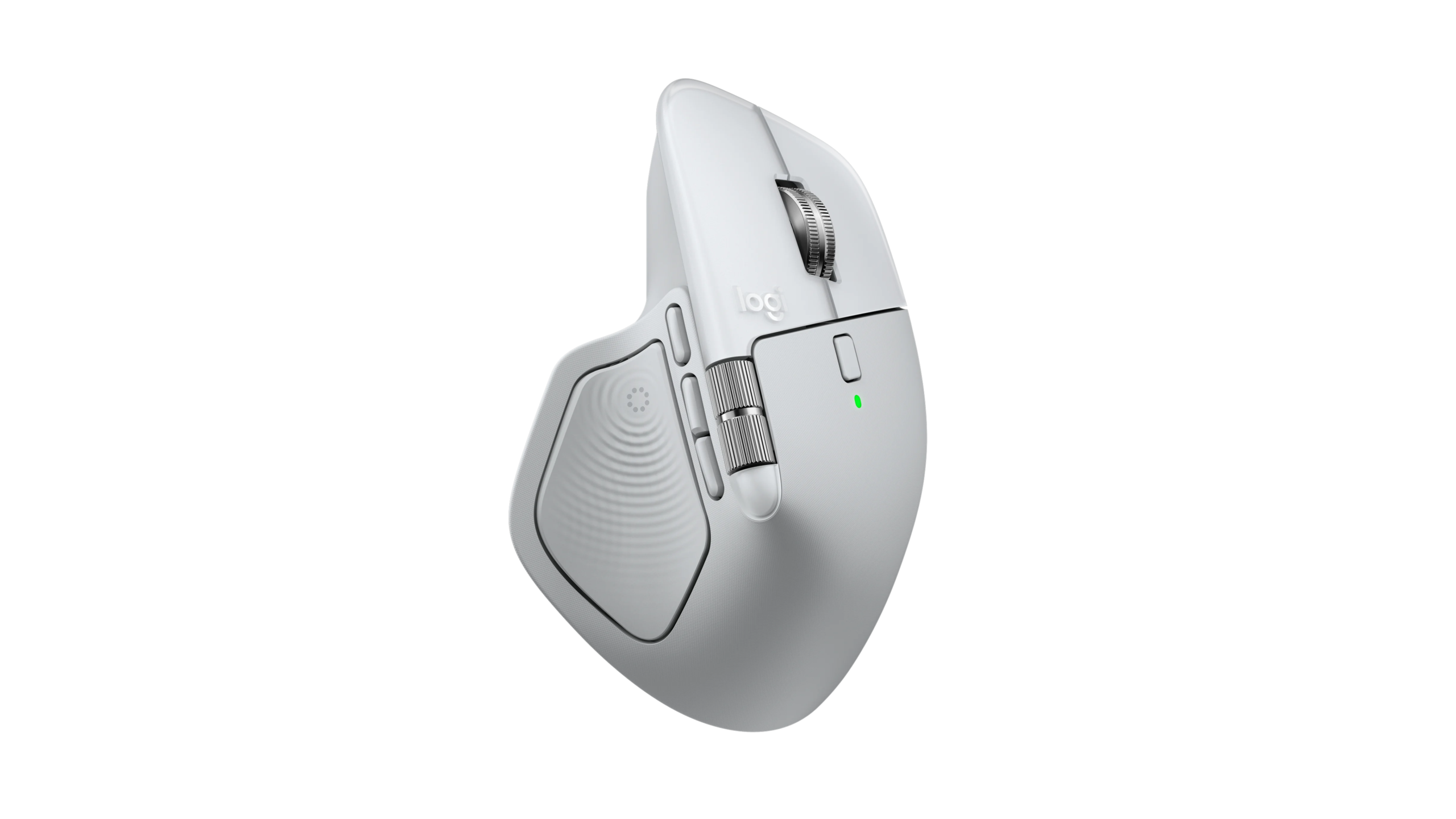
Experience smarter, faster and more precise control with the Logitech MX Master 4 for Mac Mouse, a premium wireless mouse designed for Mac users, creative professionals, developers, designers and productivity-focused workflows.
Built around Logitech’s Darkfield high-precision tracking technology, the MX Master 4 for Mac delivers smooth and accurate cursor control with an adjustable sensitivity range of 200 to 8000 DPI. DPI can be adjusted in precise 50 DPI increments, allowing you to fine-tune the mouse for everything from detailed creative work to fast navigation across large displays.
The Logitech MX Master 4 for Mac Mouse features 8 programmable buttons, an intuitive gesture button and Logitech’s renowned MagSpeed scroll wheel with SmartShift. For spreadsheets, timelines and wide documents, the dedicated thumb wheel provides horizontal scrolling, making multitasking significantly faster and more comfortable.
Immersive Haptic Feedback
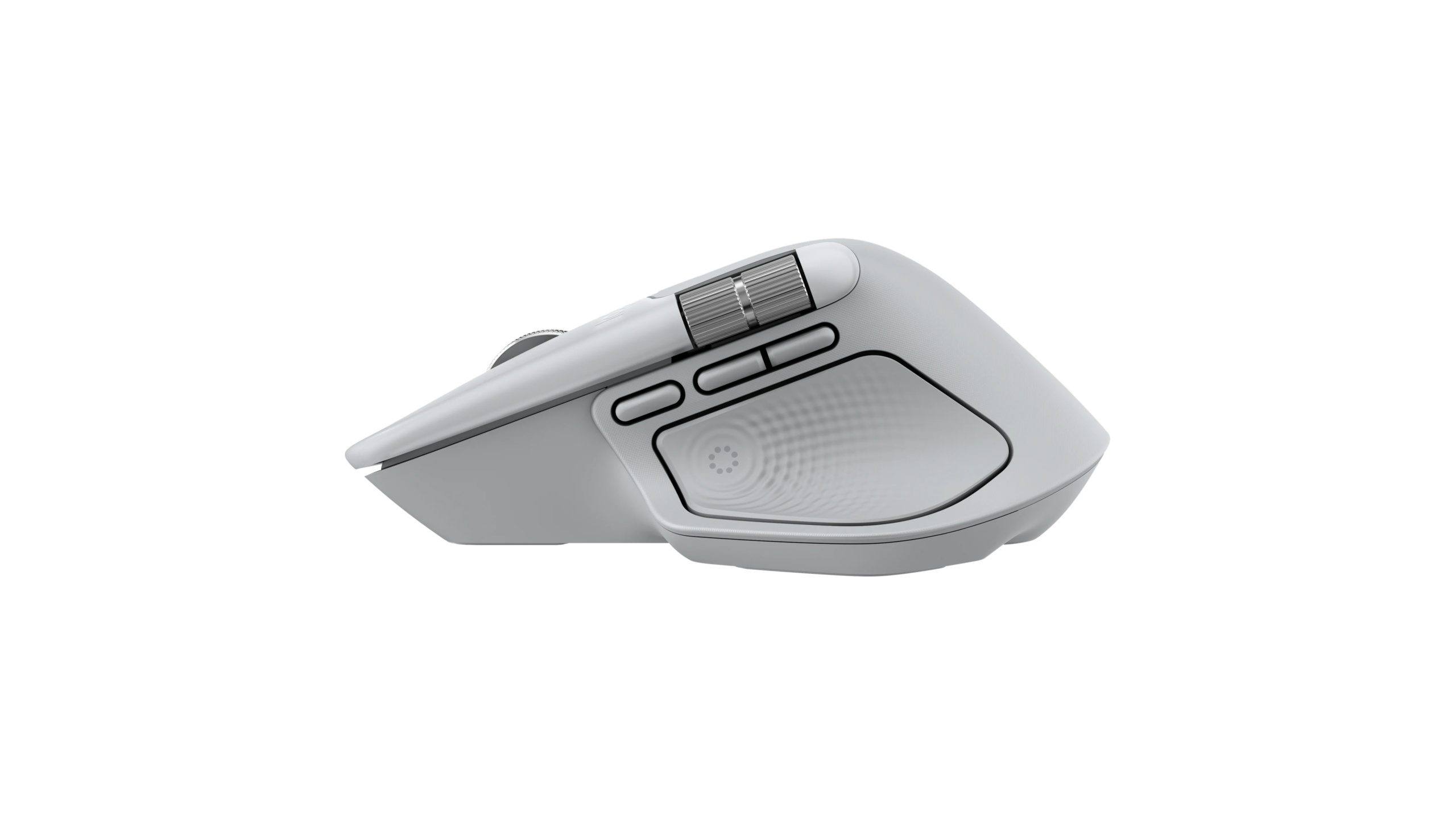
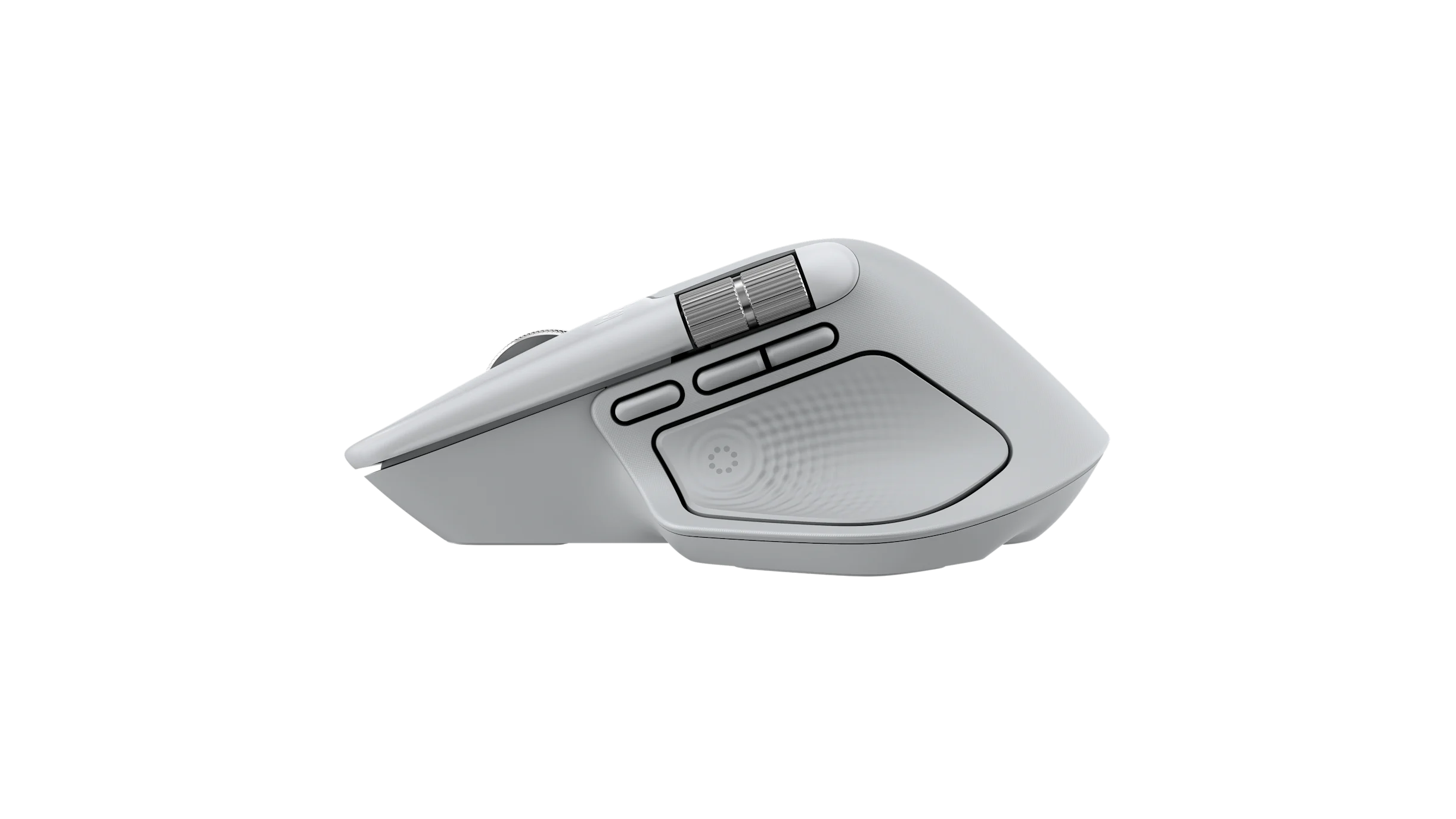
One of the standout features of the MX Master 4 for Mac Mouse is its integrated haptic feedback system.
Haptic feedback works with key Logi Options+ functions including:
- Actions Ring
- Smart Actions
- Gestures
- Adobe Photoshop
- Adobe Lightroom Desktop
- Zoom
- Adobe Premiere Pro support*
The tactile response adds another level of interaction to shortcuts and productivity tools, helping you stay focused without constantly looking for visual feedback.
*Software and application feature availability may depend on the current version of Logi Options+.
Darkfield High-Precision Sensor – Up to 8000 DPI
The MX Master 4 for Mac uses Darkfield high-precision sensor technology for responsive and accurate tracking.
Its standard nominal sensitivity is 1000 DPI, while the complete adjustable range extends from:
200 DPI – 8000 DPI
Sensitivity can be changed in 50 DPI increments, giving users exceptional control over cursor movement.
This makes the Logitech MX Master 4 for Mac Mouse particularly suitable for:
- Graphic design
- Photo editing
- Video editing
- Office productivity
- Programming
- Large spreadsheets
- Multi-monitor workstations
- High-resolution Mac displays
MagSpeed Scrolling with SmartShift
Navigate long documents and webpages effortlessly with the advanced MagSpeed scroll wheel.
SmartShift allows the mouse to intelligently switch between precise line-by-line scrolling and faster scrolling when required.
For horizontal navigation, the MX Master 4 for Mac also includes a dedicated thumb wheel, making it highly useful for large Excel sheets, editing timelines, design applications and other horizontally arranged content.
8 Buttons with Gesture Controls
The Logitech MX Master 4 for Mac Mouse comes with a total of 8 buttons, giving advanced users more ways to customize their workflow.
A dedicated gesture button further expands available commands through Logi Options+, allowing frequently used actions and shortcuts to be placed directly at your fingertips.
Logi Options+ Customization
Unlock the full potential of the MX Master 4 for Mac with Logi Options+.
The application allows compatible users to personalize buttons, gestures, shortcuts and productivity features based on individual applications and workflows.
Basic device support is also available through Logitech Tune.
With Logi Options+, the MX Master 4 for Mac can become a highly personalized productivity controller rather than simply a traditional wireless mouse.
Long-Lasting 650mAh Rechargeable Battery
The MX Master 4 for Mac Mouse is powered by a built-in 650mAh rechargeable battery.
It can provide up to:
70 Days of Battery Life
This long battery endurance makes it suitable for professional environments where frequent charging can interrupt productivity.
Actual battery life may vary depending on usage patterns, settings and operating conditions.
Bluetooth Low Energy 5.1 Connectivity
Connect wirelessly using Bluetooth Low Energy 5.1 for an efficient and reliable connection.
Wireless Specifications
- Connection: Wireless
- Bluetooth: Bluetooth Low Energy
- Bluetooth Version: BLE 5.1
- Wireless Range: Up to 33 ft / 10 metres
- Logi Bolt Receiver Support: Yes
- Receiver Included: No
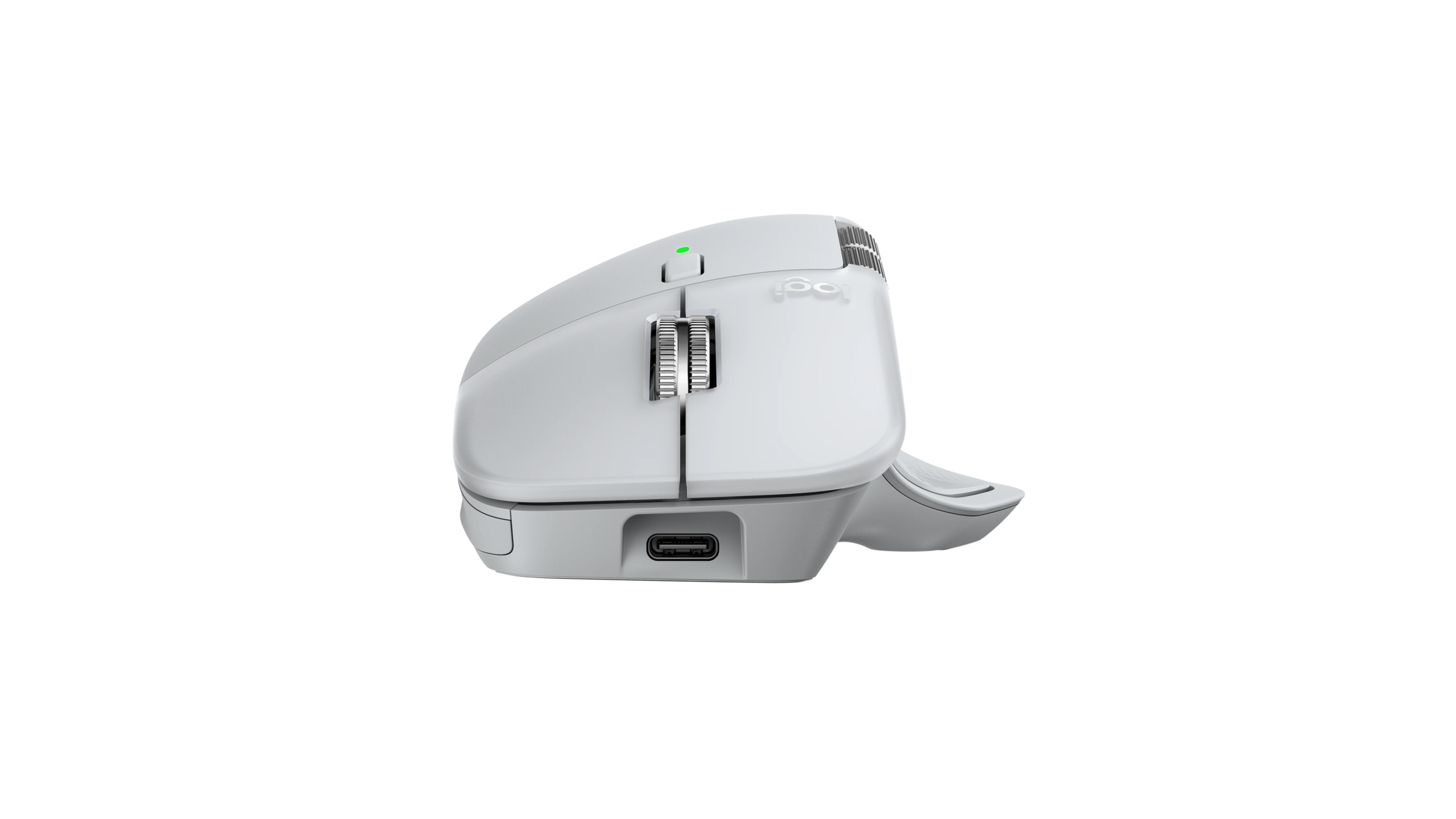
The mouse is compatible with both USB-C and USB-A Logi Bolt receivers, although a receiver is not included inside the box.
Built for Mac and iPad
The Logitech MX Master 4 for Mac Mouse is designed to integrate smoothly into Apple-based workflows.
Bluetooth System Requirements
- macOS 13 or later
- iPadOS 15 or later
- Bluetooth Low Energy capable device
For advanced customization, users can install Logi Options+ on supported versions of macOS.
Basic mouse functions may continue to work on supported systems without Logitech software, while advanced customization features require compatible software.
Logitech MX Master 4 for Mac Mouse Specifications
Sensor & Tracking
Sensor Technology: Darkfield High Precision
Nominal DPI: 1000 DPI
DPI Range: 200 – 8000 DPI
DPI Adjustment: 50 DPI increments
Buttons
Number of Buttons: 8
Gesture Button: Yes
Scrolling
Main Scroll Wheel: Yes
Scroll Wheel Technology: MagSpeed with SmartShift
Horizontal Scrolling: Yes
Thumb Wheel: Yes
Software & Productivity Features
Customization Software: Logi Options+
Basic Software Support: Logitech Tune
Smart Actions: Supported
Actions Ring: Supported
Gestures: Supported
Haptic Feedback: Yes
Supported Haptic Integrations
- Adobe Photoshop
- Adobe Lightroom Desktop
- Zoom
- Adobe Premiere Pro*
- Logi Options+ Actions Ring
- Smart Actions
- Gestures
Battery
Battery Type: Rechargeable
Battery Capacity: 650mAh
Battery Life: Up to 70 days
Connectivity
Connection Type: Wireless
Wireless Technology: Bluetooth Low Energy
Bluetooth Version: BLE 5.1
Wireless Range: Up to 10 metres / 33 feet
Logi Bolt Support: Yes
Logi Bolt Receiver Included: No
USB-C Logi Bolt Receiver Compatible: Yes
USB-A Logi Bolt Receiver Compatible: Yes
Compatibility
macOS: macOS 13 or later
iPadOS: iPadOS 15 or later
International Warranty
300 Days International Warranty
This Logitech MX Master 4 for Mac Mouse comes with 300 days International Warranty.
Warranty service is subject to applicable warranty terms and verification of the product and purchase information.
Why Buy the Logitech MX Master 4 for Mac Mouse?
The MX Master 4 for Mac Mouse is an excellent choice for users who want more than basic pointing and scrolling. Its combination of an 8000 DPI Darkfield sensor, MagSpeed scrolling, horizontal thumb wheel, 8 buttons, gesture controls, haptic feedback and Logi Options+ customization makes it particularly well suited to professional Mac workflows.
Whether you’re working with Photoshop, Lightroom, spreadsheets, code, presentations, video timelines or multiple applications throughout the day, the Logitech MX Master 4 for Mac is designed to reduce repetitive actions and make everyday navigation more efficient.
Frequently Asked Questions – Logitech MX Master 4 for Mac Mouse
Is the Logitech MX Master 4 for Mac wireless?
Yes. The Logitech MX Master 4 for Mac Mouse is completely wireless and supports Bluetooth Low Energy connectivity.
What is the DPI of the Logitech MX Master 4 for Mac?
The MX Master 4 for Mac supports an adjustable sensitivity range of 200 to 8000 DPI, configurable in increments of 50 DPI.
What sensor does the MX Master 4 for Mac use?
It uses Logitech’s Darkfield high-precision sensor technology.
How many buttons does the Logitech MX Master 4 for Mac have?
The MX Master 4 for Mac has 8 buttons, along with support for gesture-based controls.
Does the MX Master 4 for Mac have haptic feedback?
Yes. The Logitech MX Master 4 for Mac Mouse supports haptic feedback for selected Logi Options+ functions and supported applications such as Adobe Photoshop, Adobe Lightroom Desktop and Zoom.
Does the MX Master 4 for Mac have horizontal scrolling?
Yes. A dedicated thumb wheel provides horizontal scrolling, which is especially useful for spreadsheets, video timelines, design software and large documents.
What type of scroll wheel does the MX Master 4 for Mac use?
It features Logitech’s MagSpeed scroll wheel with SmartShift for both precise and high-speed scrolling.
What is the battery life of the MX Master 4 for Mac?
The rechargeable 650mAh battery can provide up to 70 days of battery life, depending on usage and operating conditions.
Does the Logitech MX Master 4 for Mac come with a USB receiver?
No. A Logi Bolt USB receiver is not included in the box.
Can I use a Logi Bolt receiver with the MX Master 4 for Mac?
Yes. The mouse supports Logi Bolt receivers and is compatible with both USB-C and USB-A receiver options. The receiver must be purchased separately if required.
Can I connect the MX Master 4 for Mac using Bluetooth?
Yes. It supports Bluetooth Low Energy 5.1 connectivity.
What is the wireless range of the MX Master 4 for Mac?
Its wireless range is up to approximately 10 metres or 33 feet, depending on the surrounding environment.
Is the Logitech MX Master 4 for Mac compatible with macOS?
Yes. Bluetooth use requires macOS 13 or later according to the listed system requirements.
Does the MX Master 4 for Mac work with iPad?
Yes. It supports compatible devices running iPadOS 15 or later.
Does the MX Master 4 for Mac support Logi Options+?
Yes. Logi Options+ can be used to customize supported buttons, gestures, Smart Actions and other advanced features.
Is the Logitech MX Master 4 for Mac good for Photoshop and Lightroom?
Yes. Its high-precision tracking, customizable controls, horizontal scrolling and supported Logi Options+ integrations make it particularly suitable for creative applications including Adobe Photoshop and Adobe Lightroom Desktop.
Is the MX Master 4 for Mac good for video editing?
Yes. The horizontal thumb wheel, customizable buttons and precision tracking are useful for navigating editing timelines and other controls. Haptic integration is also supported for selected compatible applications.
Does the MX Master 4 for Mac have a warranty?
Yes. This product includes a 300-day International Warranty, subject to applicable warranty terms.
SEO Meta Title
Logitech MX Master 4 for Mac Mouse | 8000 DPI, Haptic Feedback
SEO Meta Description
Buy Logitech MX Master 4 for Mac Mouse with Darkfield 8000 DPI sensor, haptic feedback, MagSpeed scroll, Bluetooth 5.1, 70-day battery & 300-day International Warranty.
Suggested SEO Focus Keyphrase
Logitech MX Master 4 for Mac Mouse
Secondary SEO Keywords
Logitech MX Master 4 for Mac
MX Master 4 Mac Mouse
Logitech MX Master 4 Mouse
MX Master 4 Wireless Mouse
MX Master 4 Bluetooth Mouse
Logitech Mouse for Mac
8000 DPI Mouse for Mac
Haptic Feedback Mouse
MagSpeed Wireless Mouse
Professional Mouse for Mac
Logitech MX Master Mouse