


Description
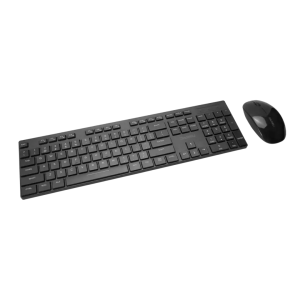
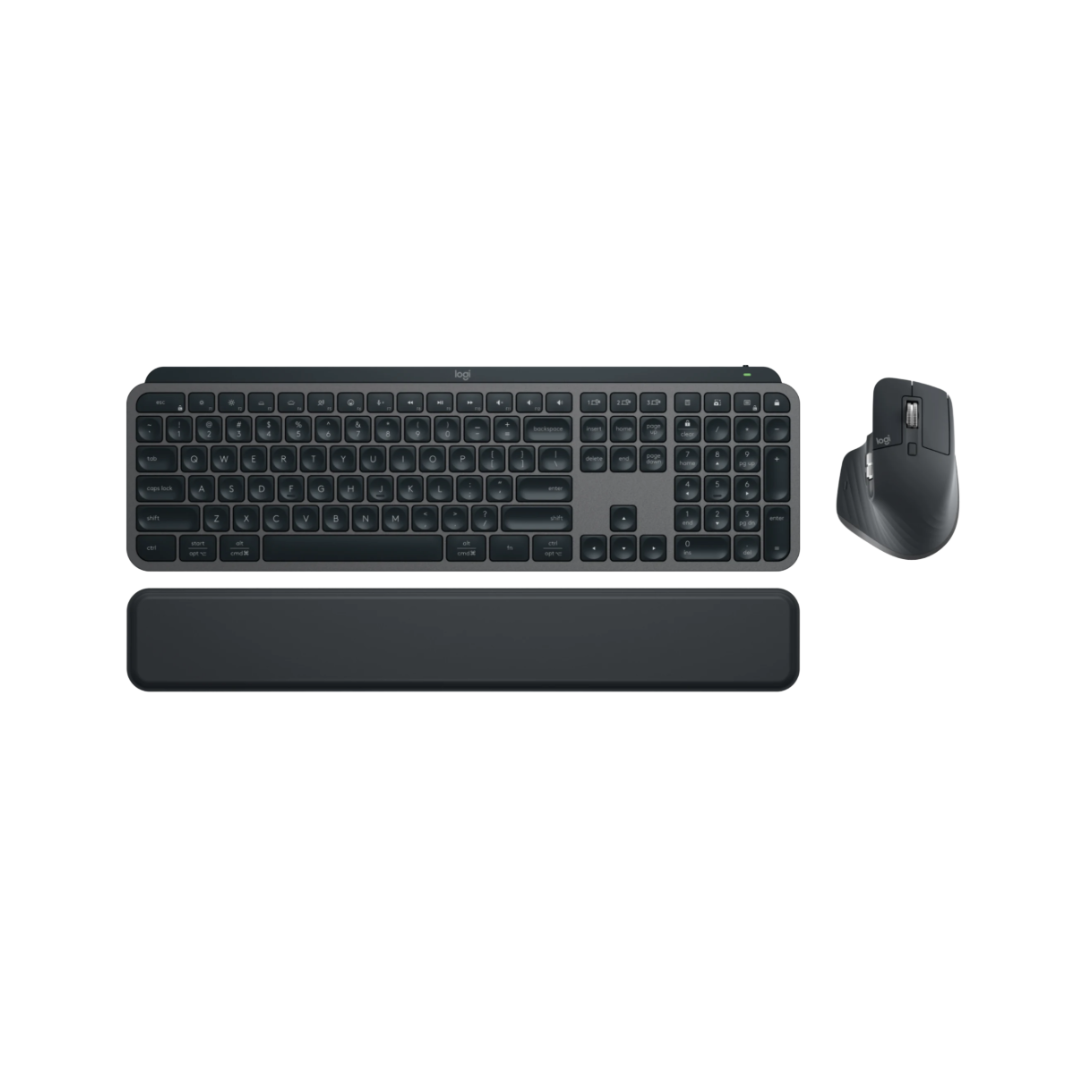
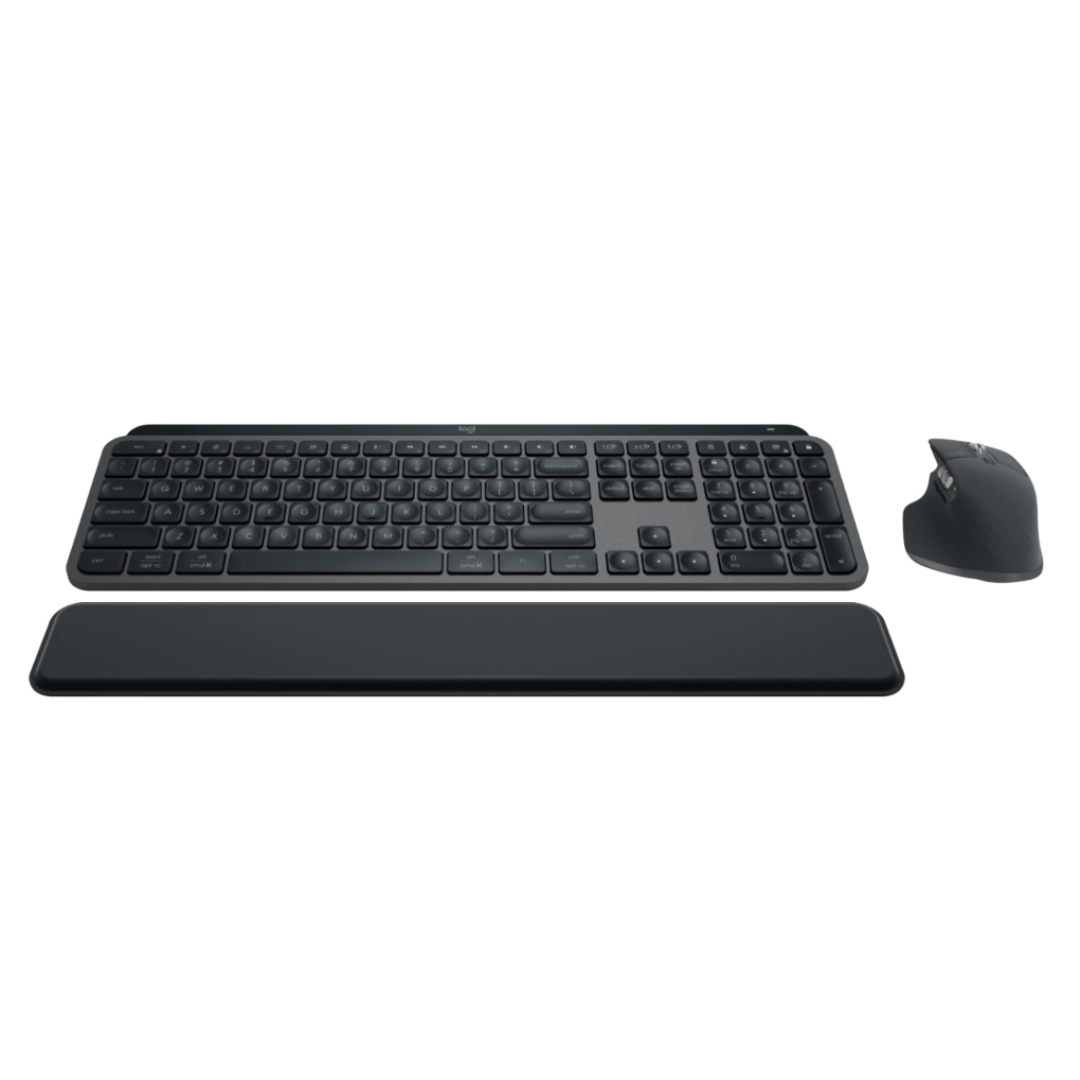
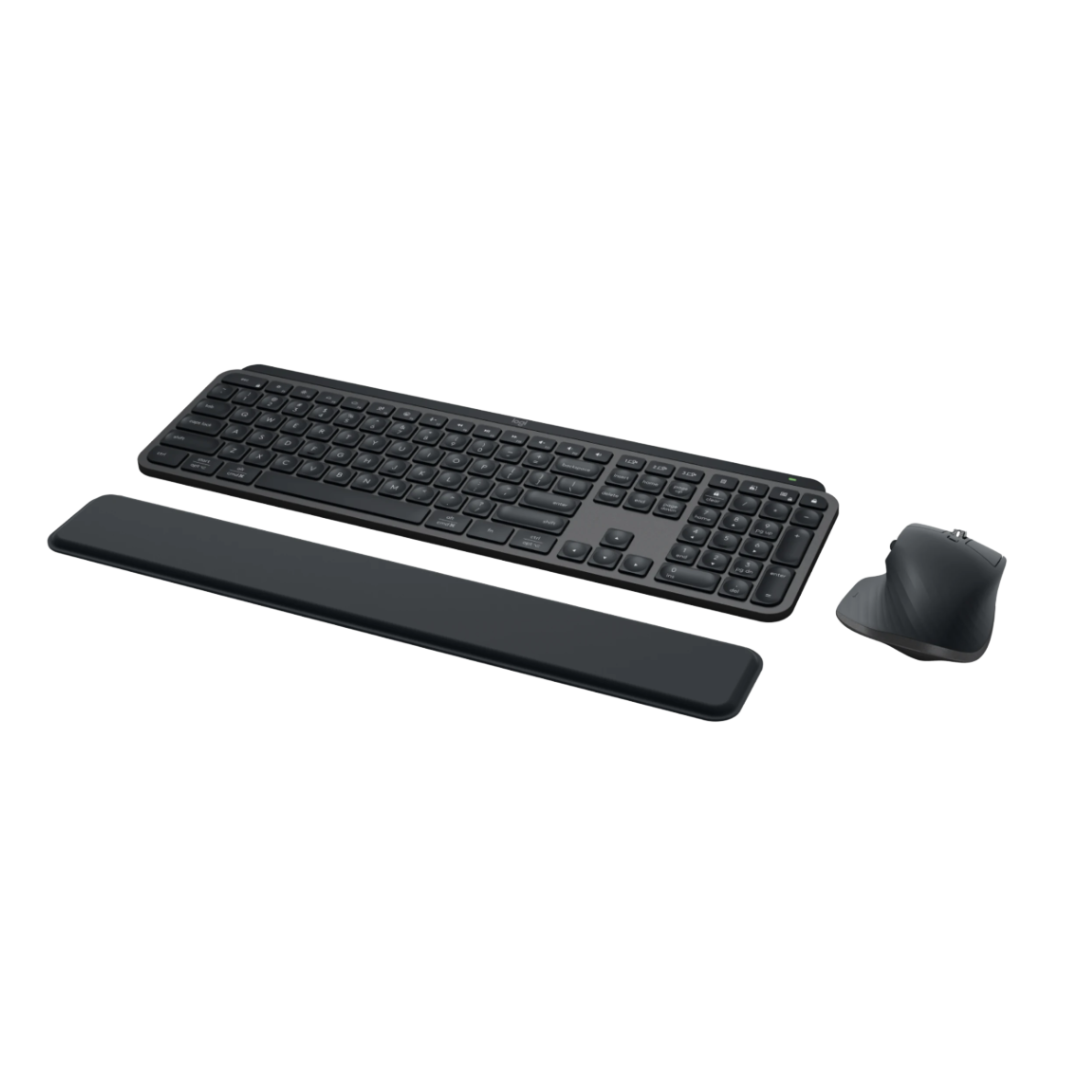
The Logitech MX Keys S Wireless Keyboard Mouse Combo represents the pinnacle of productivity and ergonomic design for professionals and power users. This premium duo combines the intelligent MX Keys S keyboard with the precision-engineered MX Master 3S mouse, creating a seamless workflow experience across multiple devices and operating systems. The keyboard features spherically-dished keys with smart backlighting that adapts to your environment, while the mouse boasts Darkfield high precision tracking and MagSpeed scrolling capabilities. Both devices support Bluetooth Low Energy and come with the Logi Bolt USB Receiver for reliable connectivity. With rechargeable batteries offering extended usage time, multi-device pairing capabilities, and cross-platform file sharing through Flow technology, this combo eliminates the friction from your workday. The ergonomic design promotes natural hand positioning and comfortable all-day use, complemented by the included palm rest. Smart Actions automation through the Logi Options+ app allows you to streamline repetitive tasks with custom shortcuts. Compatible with Windows, macOS, Linux, ChromeOS, iPadOS, iOS, and Android, this versatile combo adapts to your workflow whether you’re at your desk or on the go, making it an essential tool for modern professionals.
Specifications
| Category | Feature | Details |
|---|---|---|
| Keyboard Dimensions | Height | 5.18″ (131.63 mm) |
| Width | 16.94″ (430.2 mm) | |
| Depth | 0.81″ (20.5 mm) | |
| Weight | 28.57 oz (810 g) | |
| Mouse Dimensions | Height | 4.92″ (124.9 mm) |
| Width | 3.32″ (84.3 mm) | |
| Depth | 2.01″ (51 mm) | |
| Weight | 4.97 oz (141 g) | |
| Mouse Technology | Sensor | Darkfield high precision |
| Buttons | 7 buttons (Left/Right-click, Back/Forward, App-Switch, Wheel mode-shift, Middle click) | |
| Additional Controls | Scroll Wheel, Thumbwheel, Gesture button | |
| Battery | Rechargeable Li-Po (500 mAh) | |
| Keyboard Technology | Battery | Rechargeable Li-Po (1500 mAh) |
| Key Design | Spherically-dished keys | |
| Backlighting | Smart illumination with auto-brightness | |
| Connectivity | Primary | Bluetooth Low Energy |
| Secondary | Logi Bolt USB Receiver included | |
| Multi-device | Up to 3 devices | |
| Compatibility | Operating Systems | Windows 10/11+, macOS 10.15+, Linux, ChromeOS, iPadOS 14+, iOS 14+, Android 8.0+ |
| Software | App | Logi Options+ (macOS & Windows) |
| Features | Smart Actions, Flow technology, Custom settings | |
| Receiver Dimensions | Height | 0.24″ (6.11 mm) |
| Width | 0.57″ (14.4 mm) | |
| Depth | 0.73″ (18.65 mm) | |
| Weight | 0.06 oz (1.68 g) |
Engineered for Productivity and All-Day Comfort
The MX Keys S Combo is meticulously designed with ergonomics at its core, ensuring you can work comfortably for extended periods. The keyboard features a stable, low-profile design that keeps your hands in a natural typing position, reducing strain on your wrists and forearms. The MX Master 3S mouse is crafted to fit perfectly in your hand, promoting better wrist posture and minimizing repetitive strain injuries. The included palm rest further enhances comfort by encouraging a neutral hand position throughout your workday. This thoughtful ergonomic design means you can maintain peak productivity without sacrificing your physical well-being, making it ideal for professionals who spend long hours at their computers.
Fast, Fluid, and Precision Typing Experience
The MX Keys S keyboard delivers an exceptional typing experience that combines speed, accuracy, and quiet operation. Each key is spherically-dished and shaped precisely for your fingertips, creating a natural typing surface that minimizes mistypes and increases accuracy. The increased key stability dramatically reduces typing noise, making it perfect for shared workspaces or quiet environments. The tactile feedback provides a satisfying typing experience without the loud clicks of traditional mechanical keyboards. Whether you’re drafting emails, coding, or writing documents, the fluid typing experience allows you to maintain your flow state and work more efficiently throughout the day.
Revolutionary MagSpeed Scrolling Technology
The MX Master 3S mouse features groundbreaking MagSpeed electromagnetic scrolling that transforms how you navigate through documents and web pages. With the ability to scroll through 1,000 lines per second, you can fly through lengthy documents with unprecedented speed. The technology offers 90% more speed and 87% greater precision compared to regular Logitech mice. The scroll wheel operates in two distinct modes: ratchet mode for precise, line-by-line scrolling and hyper-fast scroll mode for rapid navigation through long documents. The electromagnetic mechanism is nearly silent, allowing you to work without disturbing others. This innovation significantly enhances productivity for anyone who regularly works with spreadsheets, code, or long-form content.
Intelligent Smart Illumination System
The MX Keys S keyboard features an advanced smart illumination system that automatically adapts to your working environment. Proximity sensors detect when your hands approach the keyboard, instantly illuminating the keys for easy visibility. The system automatically adjusts brightness based on ambient lighting conditions, ensuring optimal visibility without being distracting or consuming unnecessary battery power. You can customize backlighting duration and brightness levels through the Logi Options+ app to match your personal preferences and working conditions. The backlight turns off when you’re not actively typing, conserving battery life while ensuring the keys are always illuminated when you need them. This intelligent lighting system is particularly valuable for those who work in varying lighting conditions or during early morning and late evening hours.
Multi-Device Workflow with Flow Technology
Experience seamless productivity across multiple computers with the MX Keys S Combo’s advanced multi-device capabilities. Both the keyboard and mouse can be paired with up to three devices simultaneously, allowing you to switch between your work laptop, personal computer, and tablet with the touch of a button. The revolutionary Flow technology enables cross-computer and cross-OS functionality, letting you transfer text, images, and files between devices simply by copying on one device and pasting on another. This eliminates the need for email attachments or cloud uploads for quick file transfers. Whether you’re working across Windows and Mac, or switching between desktop and mobile devices, the MX Keys S Combo adapts to your workflow, making multi-device productivity effortless and intuitive.
Smart Actions for Task Automation
Unlock new levels of efficiency with Smart Actions available through the Logi Options+ app. This powerful feature allows you to automate repetitive tasks and create custom shortcuts that execute multiple actions with a single keystroke. Program complex workflows, application-specific shortcuts, or frequently used text snippets to eliminate tedious repetitive work. Whether you’re a designer switching between tools, a developer running common commands, or a writer inserting frequently used phrases, Smart Actions adapts to your unique workflow. The app provides an intuitive interface for creating and managing your custom actions, and settings sync across all your paired devices. By automating routine tasks, you can focus on the creative and strategic aspects of your work, significantly boosting your overall productivity.