Description
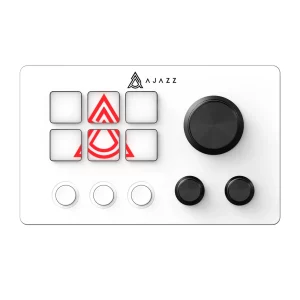
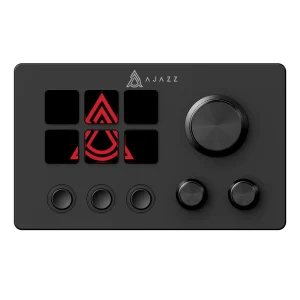
Introducing the Cololight COLO PLAY Ultimate Studio Controller – your all-in-one command center designed specifically for streamers, gamers, and content creators who demand precision and efficiency. This powerful studio controller transforms your workflow with support for up to 50 customizable shortcuts, seamlessly connecting to OBS, YouTube, and Twitch for complete streaming control.
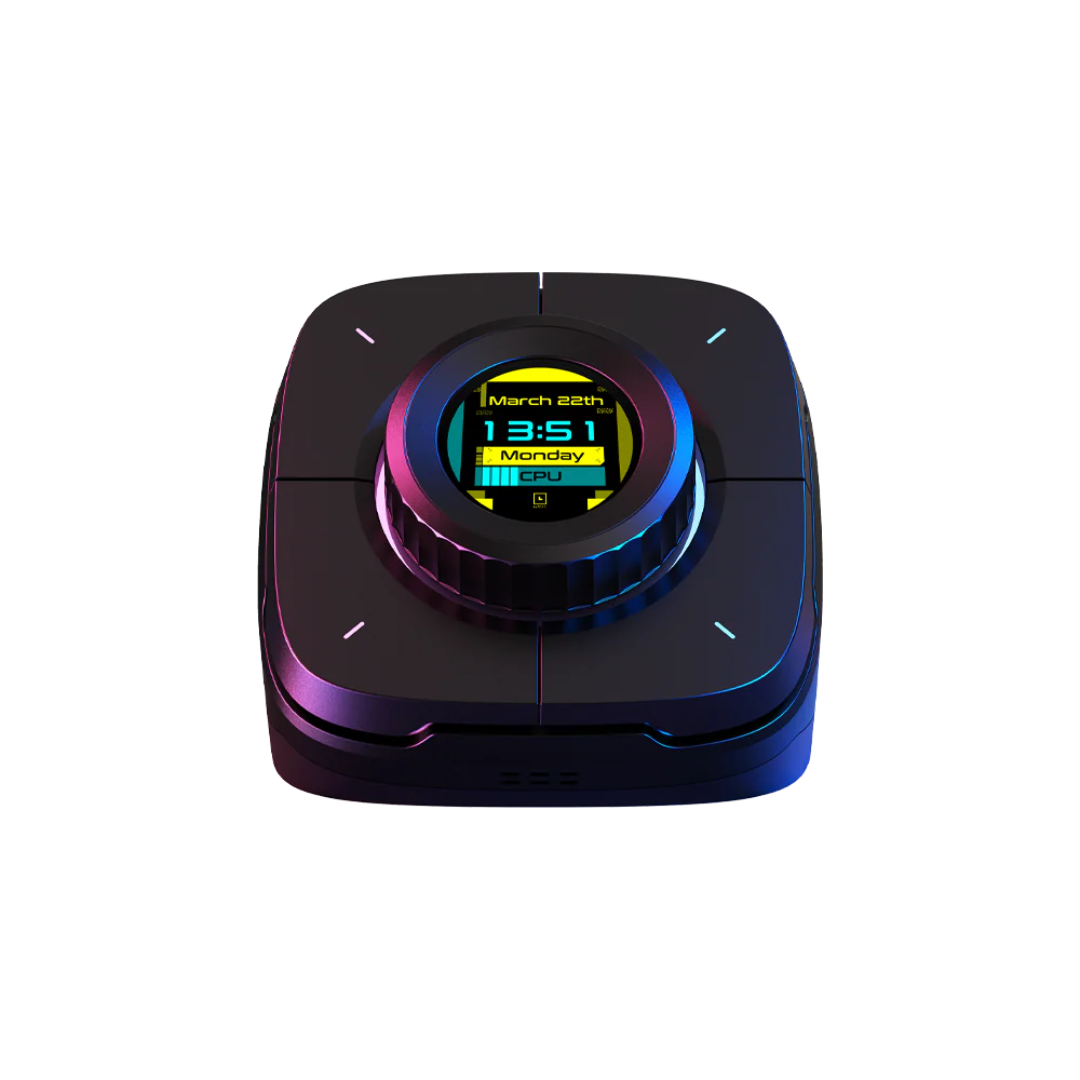
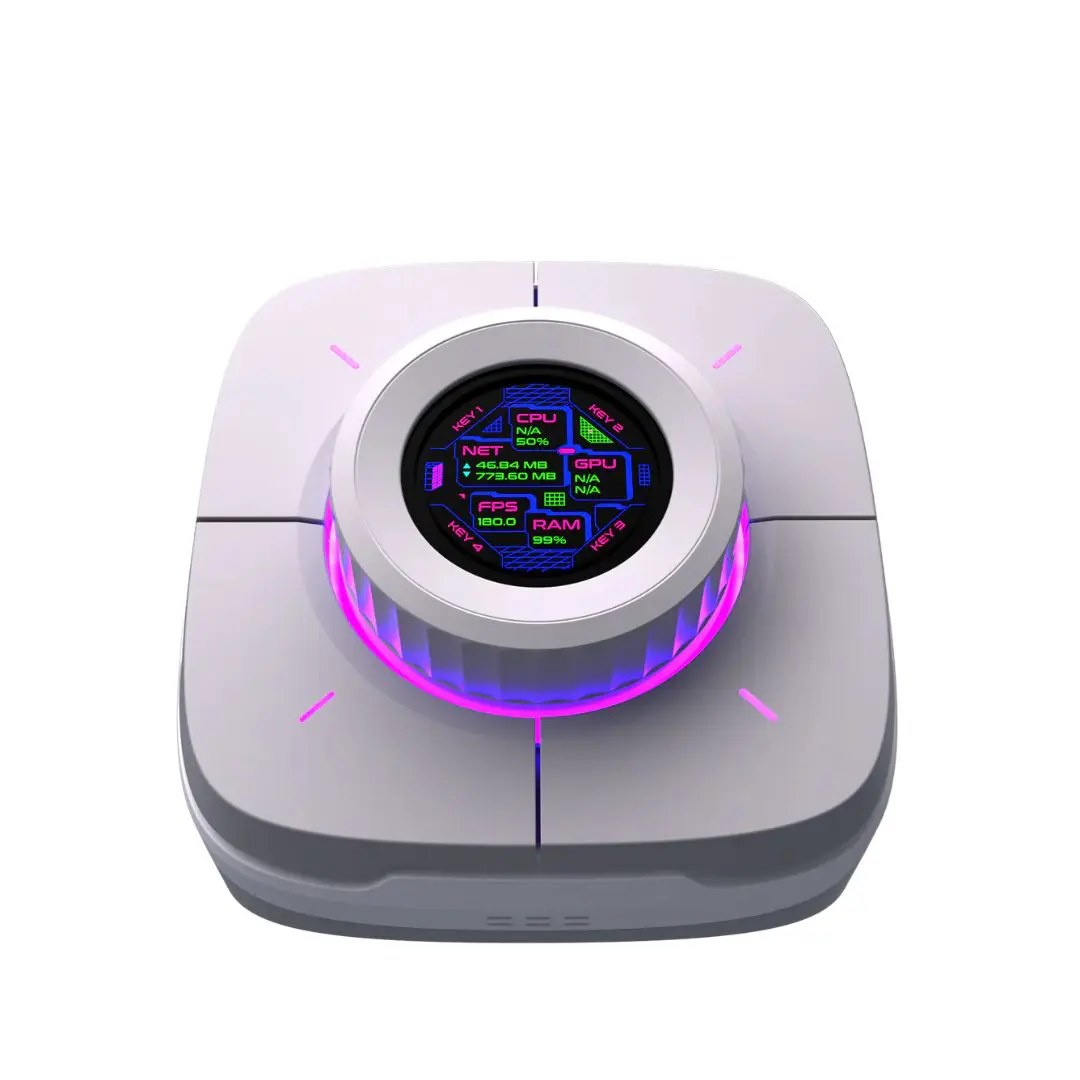
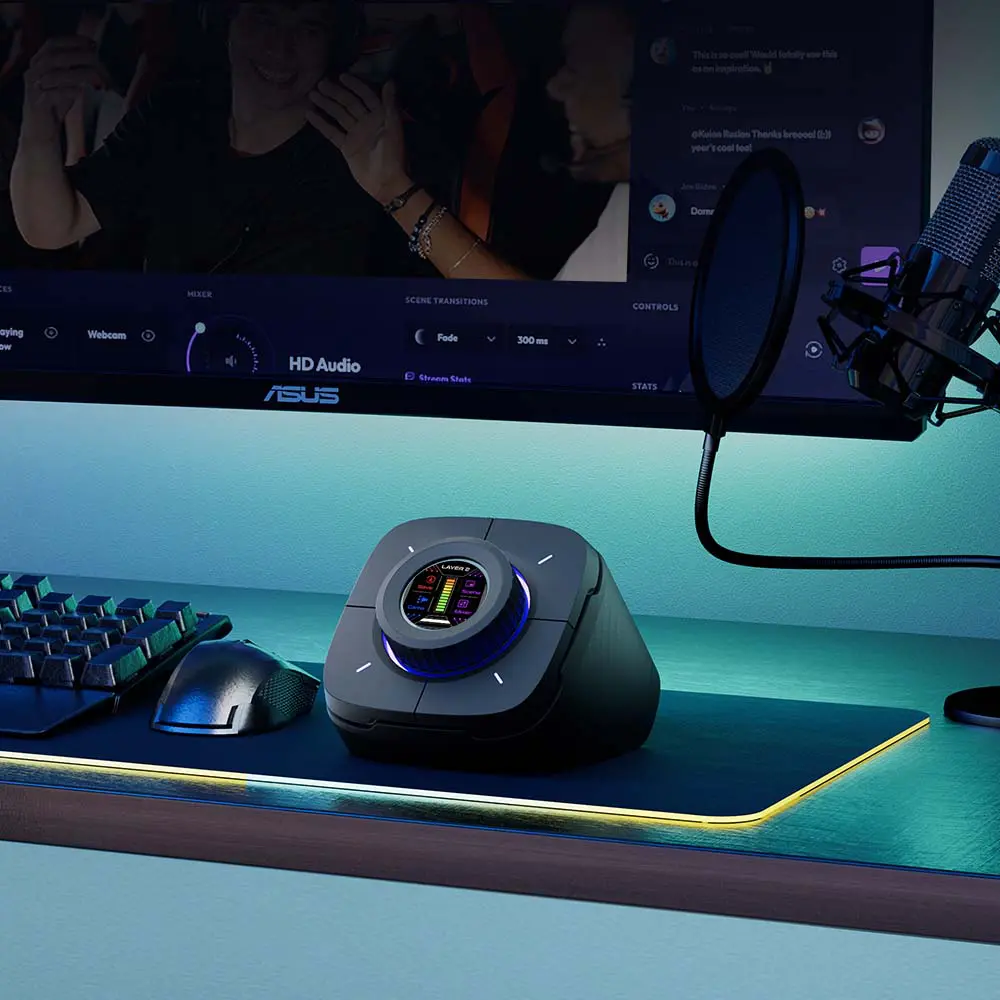
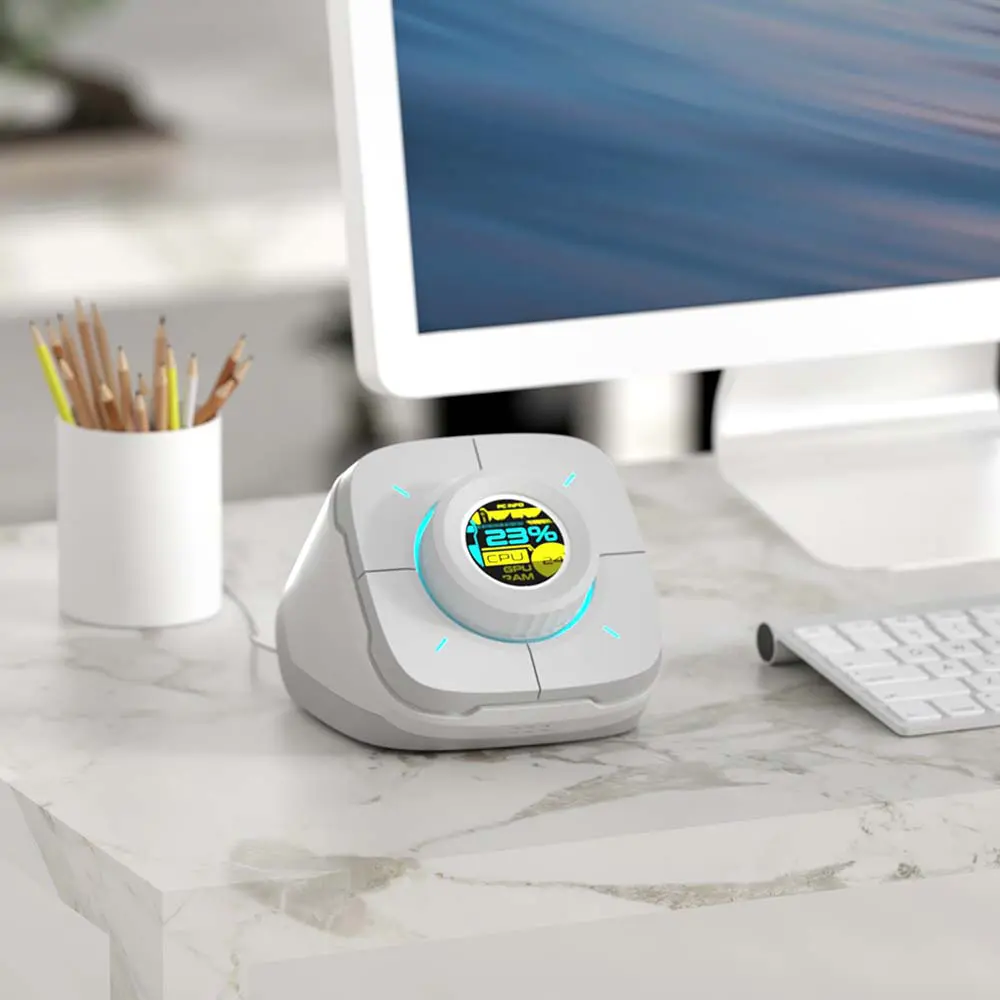
The COLO PLAY features 7 programmable keys and an innovative command dial that puts essential functions at your fingertips. Start your PC with a single press, monitor CPU performance in real-time, adjust audio levels, mute your microphone instantly, and control all your Cololight products without interrupting your flow. The built-in 1.28-inch TFT screen displays critical information including viewer counts, system stats, and custom shortcuts.
Perfect for live streaming, the COLO PLAY simplifies complex tasks like starting and ending broadcasts, inserting ads, sending quick messages, and managing your control center. The macro recording feature automates repetitive tasks, saving valuable time during gaming sessions, video editing, or programming work. With its sleek design combining ABS and zinc alloy construction, Wi-Fi connectivity, and intuitive interface, the COLO PLAY elevates your content creation experience to professional levels.
Specifications
| Feature | Details |
|---|---|
| Dimensions | 143mm × 112mm × 98mm |
| Screen Size | 1.28 inches TFT |
| Material | ABS + Zinc Alloy |
| Compatibility | Windows 7/8/10 |
| Power Supply | DC 5V 2A |
| Communication Protocol | Wi-Fi |
| Programmable Keys | 7 customizable keys |
| Shortcut Support | Up to 50 shortcuts |
| Streaming Platforms | OBS, YouTube, Twitch |
Live Streaming Made Effortless
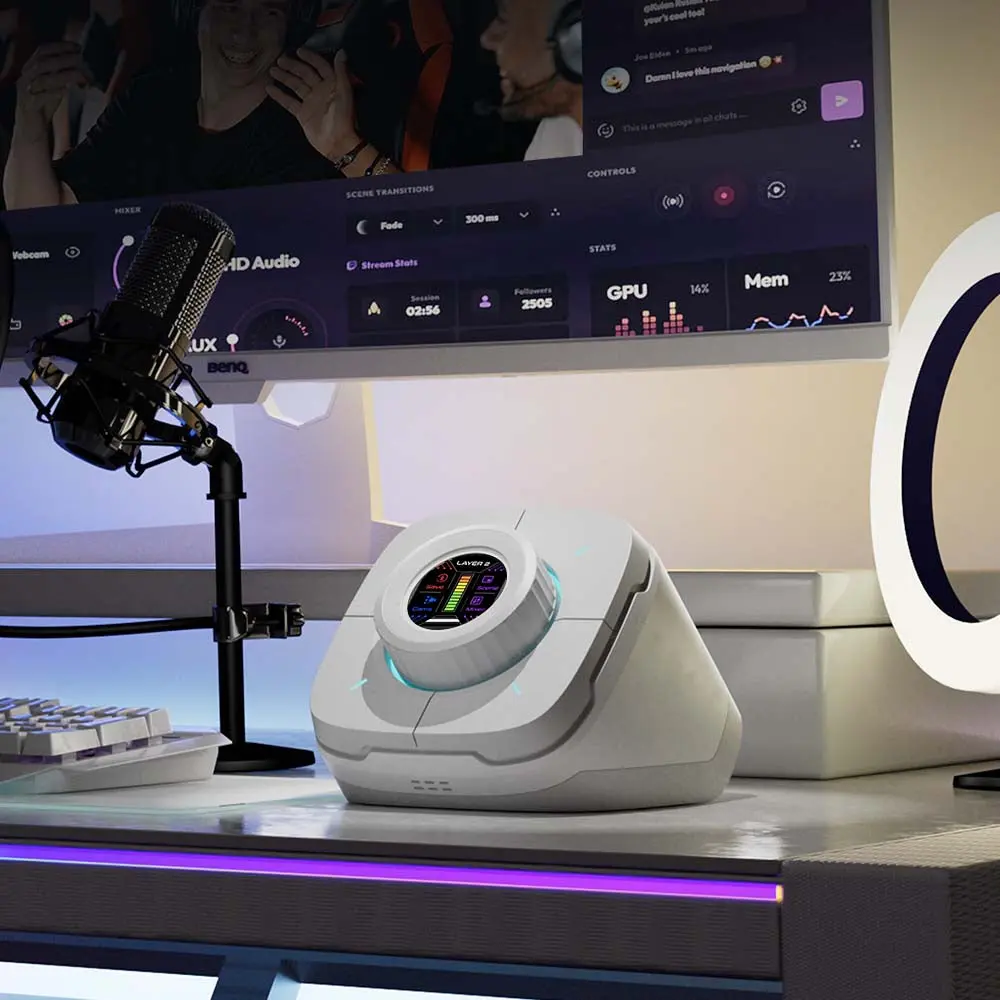
The COLO PLAY Ultimate Studio Controller revolutionizes live streaming by integrating seamlessly with OBS, YouTube, and Twitch platforms. With dedicated controls for starting and ending broadcasts, you can manage your entire streaming session without navigating through multiple software windows. The controller displays real-time viewer counts and YouTube subscription updates directly on its 1.28-inch TFT screen, keeping you informed without breaking your focus. Preset quick messages allow instant communication with your audience, while one-click ad insertion helps monetize your content effortlessly. The streaming control center opens instantly, giving you access to all critical settings when you need them most. This comprehensive integration ensures a smooth, professional broadcasting experience every time.
Customizable Programmable Keypad for Maximum Efficiency
Say goodbye to complicated keyboard shortcuts and embrace the simplicity of the COLO PLAY’s 7 programmable keys. Each key can be customized to perform specific functions tailored to your profession, whether you’re a gamer executing complex combos, a video editor applying frequent effects, or a content creator managing multiple applications. The flexibility of up to 50 shortcut configurations means you can create different profiles for various tasks and switch between them seamlessly. This personalized approach eliminates the need to remember countless keyboard combinations, reducing errors and significantly speeding up your workflow. The intuitive setup process makes customization accessible to users of all skill levels, ensuring you spend more time creating and less time configuring.
Precision Command Dial for Intuitive Control
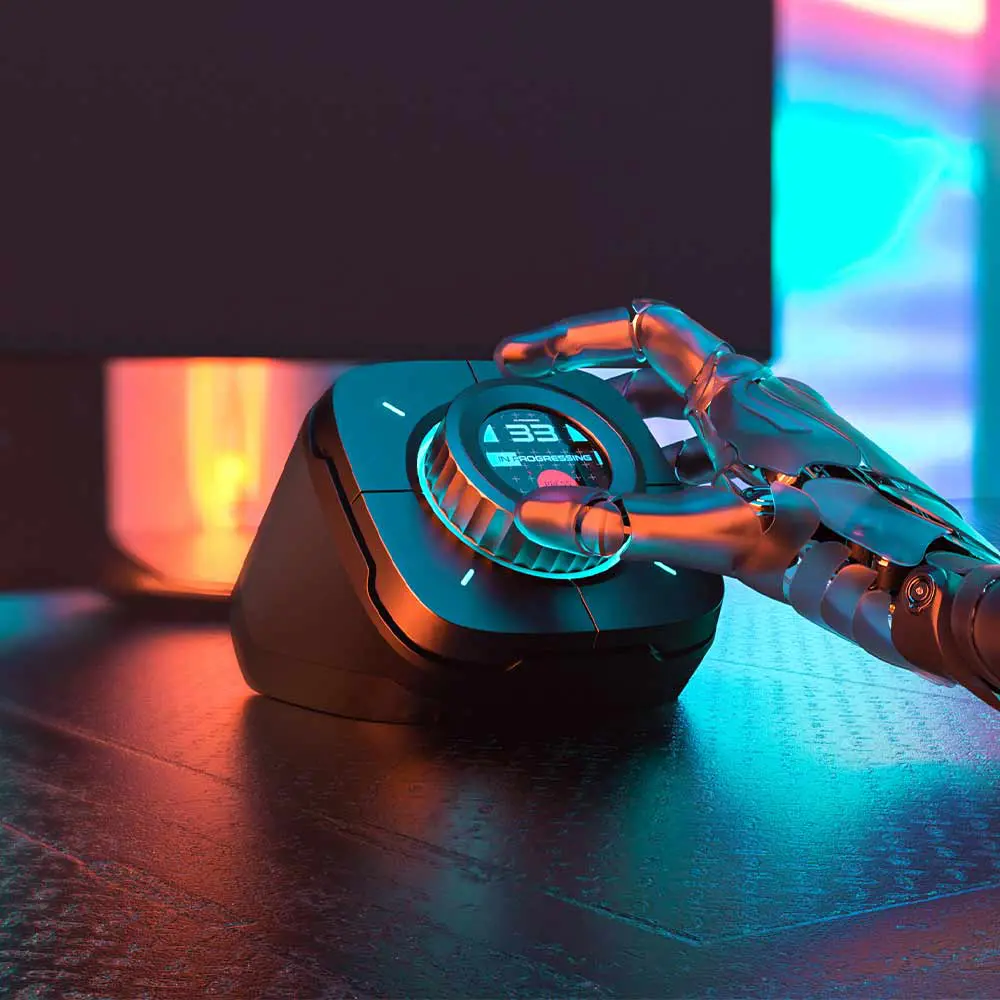
The innovative command dial on the COLO PLAY provides precision control with every twist and turn. Long press the dial to switch between multiple custom shortcut sets, giving you instant access to dozens of functions without cluttering your workspace. In gaming scenarios, quickly launch applications, switch between game profiles, or adjust settings on the fly to maintain your competitive edge. For professional work, the dial streamlines task management, allowing you to navigate through complex projects with ease. The tactile feedback and smooth rotation make the dial a pleasure to use, adding an element of fun to your work while dramatically boosting efficiency. This unique control method bridges the gap between speed and accuracy, ensuring you never compromise one for the other.
Integrated Cololight Control for Immersive Ambiance
The COLO PLAY takes your setup to the next level with seamless Cololight integration, allowing one-click control of all your Cololight products directly from the controller. Switch between various lighting effects to match your mood, game theme, or stream aesthetic without interrupting your workflow. The built-in microphone enables sound-responsive lighting effects that react to your voice, game audio, or music, creating an immersive environment that captivates your audience. Whether you’re building hype during an intense gaming moment or setting the perfect ambiance for a creative work session, the synchronized lighting effects add a professional touch to your space. This integration demonstrates how the COLO PLAY serves as a true command center, controlling not just your software but your entire creative environment.
Macro Recording for Automated Productivity
Maximize your efficiency with the COLO PLAY’s powerful macro recording feature that captures sequences of keyboard and mouse actions for instant replay. This automation tool is invaluable for repetitive tasks across gaming, video editing, and programming. Gamers can execute complex combo moves with a single keypress, gaining crucial milliseconds in competitive play. Video editors can automate frequent editing sequences, applying the same effects or transitions across multiple clips instantly. Programmers can record common code snippets or formatting actions, reducing the time spent on routine coding tasks. The macro system is easy to set up—simply record your actions once, save them, and replay whenever needed. This feature transforms hours of repetitive work into seconds of automated execution, allowing you to focus on the creative and strategic aspects of your projects.
PC Startup and Performance Monitoring
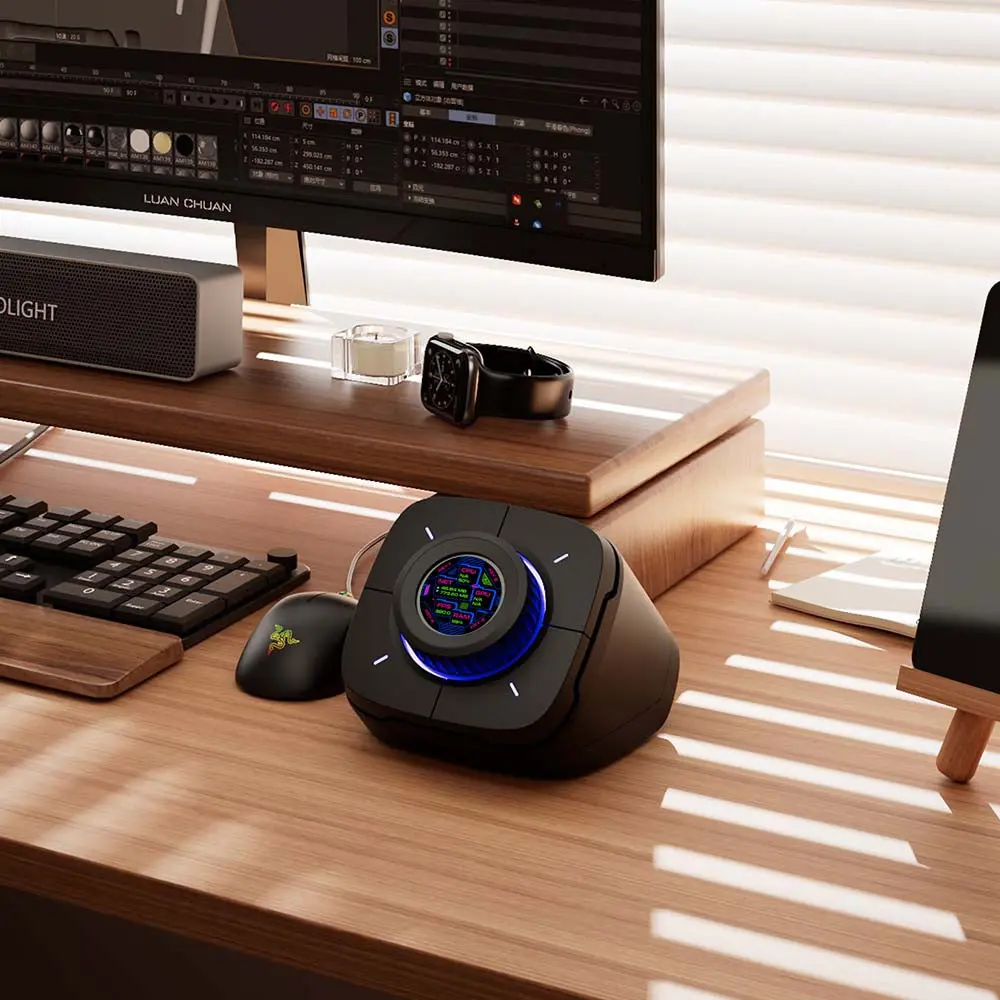
The COLO PLAY includes convenient PC startup functionality, allowing you to power on your computer with a simple button press—no more bending over to reach the power button. Beyond startup control, the controller features comprehensive CPU monitoring that displays real-time performance metrics on its built-in screen. Keep track of your system temperature, processor usage, and identify performance bottlenecks before they impact your work or gaming experience. This monitoring capability is particularly valuable during intensive streaming sessions or resource-heavy gaming, helping you maintain optimal system performance. The ability to mute your microphone instantly and adjust audio levels on the fly completes the control suite, ensuring you have total command over your setup. These features combine to create a truly integrated control experience that enhances every aspect of your digital workflow.